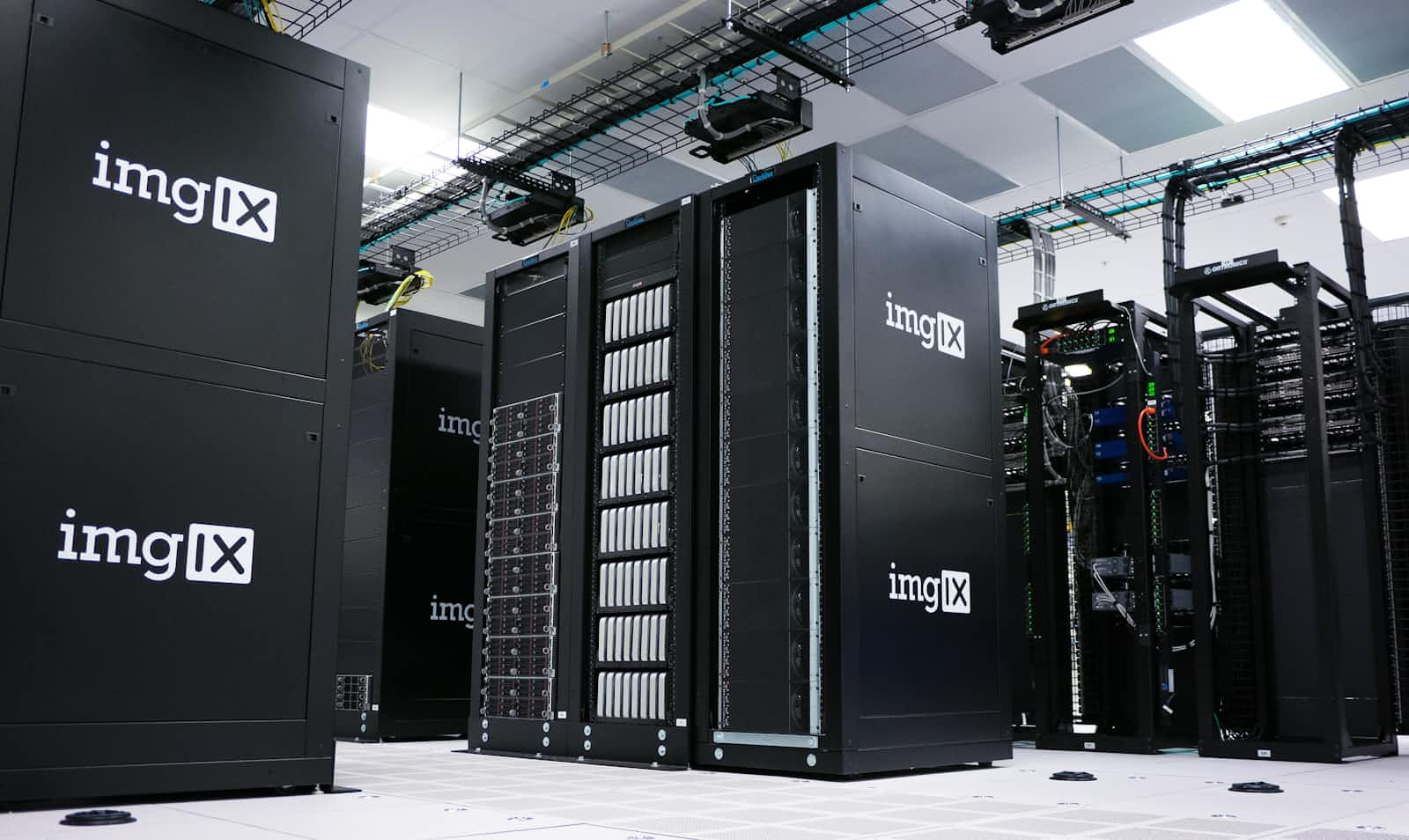
Linux runs on a wide range of hardware. right from large supercomputers to simple wearables .
This operating system makes for very efficient use of a computer's resources and allows for customised installation processes according to a users specifications and unique hardware requirements.
A linux installation procedure can be very flexible, and allows users to choose the modules they want to install, thus allowing Linux to even run smoothly on old hardware, this thus helps in optimal use of all the hardware resources.
Some machines require some level of tweaking to get Linux to boot on the them and get all the Linux goodies 🤩.
I'll will be sharing some insights on a linux installation on a DELL machine
Some backstory .
I wanted to install Linux Mint 19 "Tara" Cinnamon Edition on a Dell Latitude E7450. The installation process should be pretty straight forward once you are able to create a bootable USB drive and boot the OS off of it.
I downloaded the Linux Mint ISO (Linux Mint 19 "Tara" Cinnamon Edition 64bit) and used rufus to flash the ISO on to a USB thumb drive.
Inserted the thumb drive in the USB port and interrupted the boot process by repeatedly pressing F12 on the keyboard, to go into the one time boot menu. selected the drive to boot from and went through the Linux mint installation screen steps and decided to erase the drive completely, thus installing Linux mint on the entire disk using the guided method. Grub boot loader got installed and it was time to reboot and take out the installation media (USB thumb drive).
The issue began when I decided to reboot, I was just getting a black screen that said "No Bootable Device Found" 😩 .
Here's some quick tips to fix this boot issue:
- Reboot and press F12 to go to BIOS Setup
- Turn off Secure Boot (Settings -> Secure Boot -> Secure Boot Enable -> Disabled)
- Enable UEFI instead of Legacy (Settings -> General -> Boot Sequence -> Boot List Option -> UEFI)
- Under boot sequence uncheck everything if there are any options ((Settings -> General -> Boot Sequence -> Boot Sequence) Under boot list option, click on Add Boot Option (Settings -> General -> Boot Sequence -> Boot List Option)
- In the pop-up screen, type a name for your custom boot sequence under Boot Option Name
- Leave File System List alone
- Under File Name, click the button to the right of the input box (the one with 3 dots on it)
- Select EFI -> Debian -> grubx64.efi and then click OK
The newly created boot sequence should show up under Boot Sequence at the top.
Apply your changes and click Exit. You will see now that your machine boots into Linux mint 😀.
It's a wrap.
Thanks for the audience guys 🤗 and connect with me on Github, Twitter, LinkedIn If this article helped out with your Debian distro installation, do drop a like and share it 👍. feel free to drop reviews, comments and recommendations here 👇 .
About the author
SWE | Avid learner | Technical director @repotecc | open-source contributor | Web enthusiast | Community lead @DscOui and developer advocate
Comments
Join the discussionHow did you find the fix, it seems pretty detailed?